Atlas Code
A coding workspace beside the chat.
Describe a website, an app or a service. Atlas builds the whole project, runs it in a live preview, takes edits you point at, and sends a pull request when you say so.


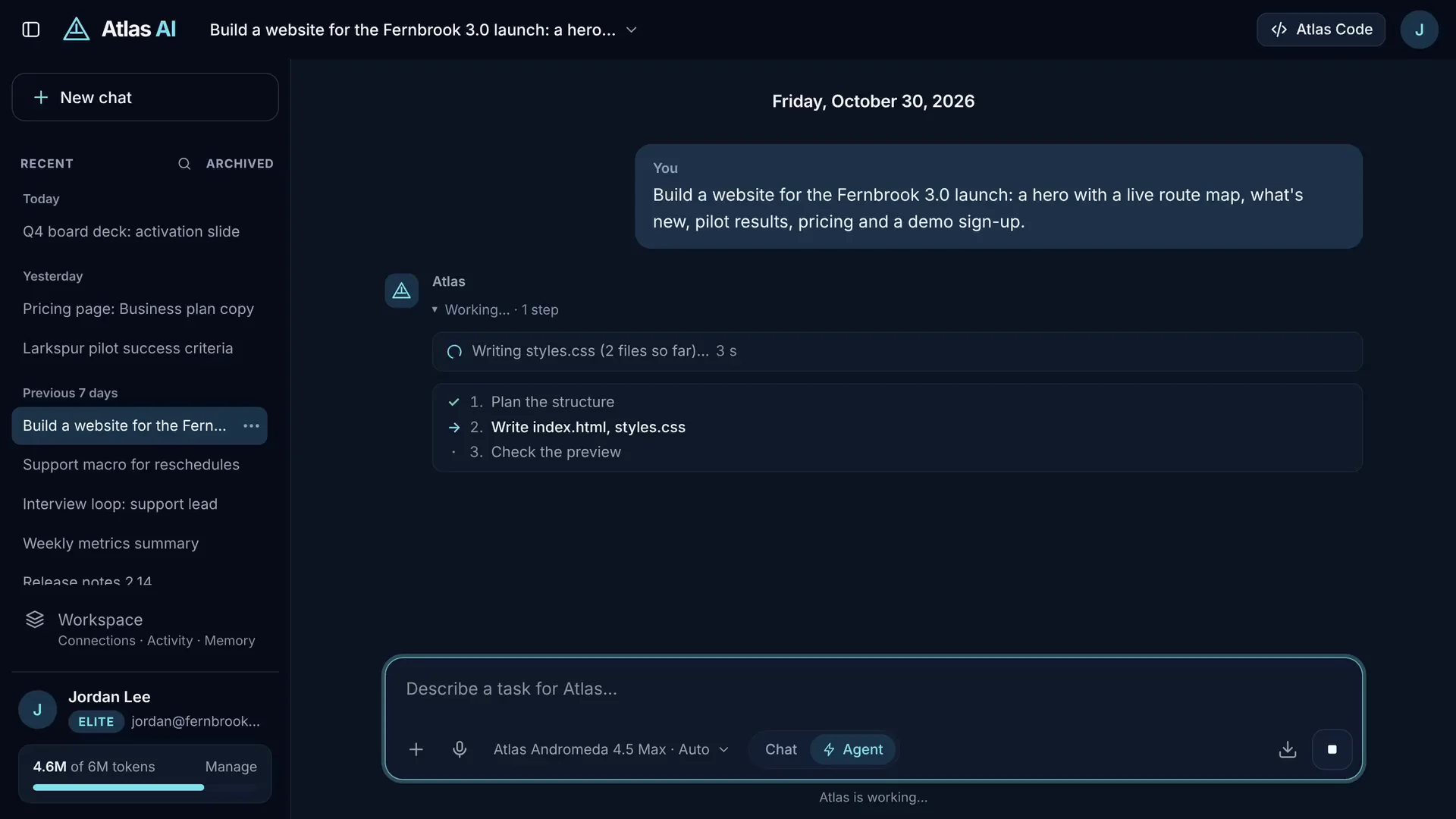
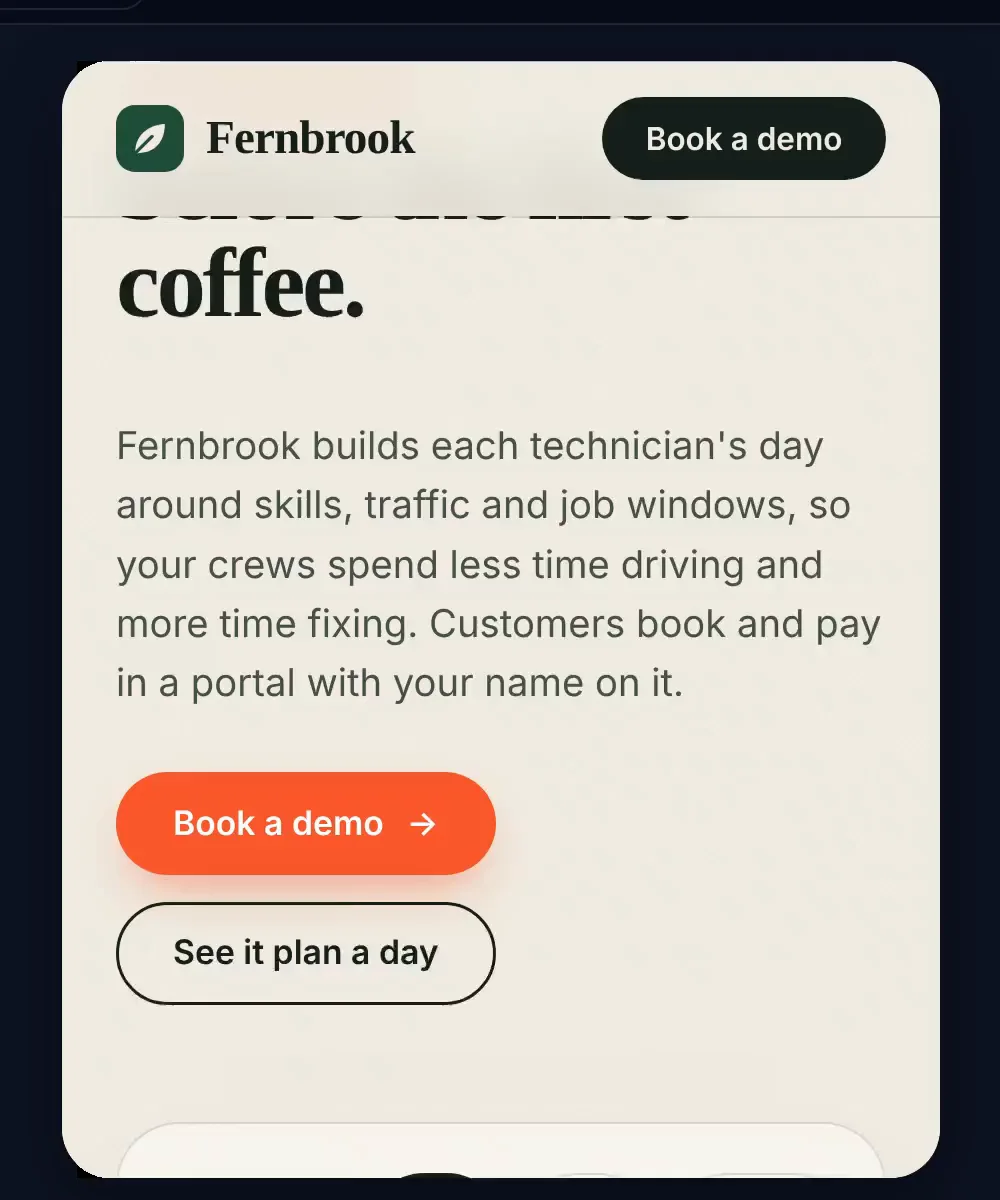
Complete projects, not pasted code.
Ask for a dispatch board, a marketing site, an API or a data script. Atlas writes it as a project: whole files, applied together as one version, named after what they hold.
- Websites, React and TypeScript apps, Node services, Python programs and more
- A file tree and an editor; your own edits become versions too (Ctrl+S)
- A ZIP with a README that runs, for anything the preview can’t host
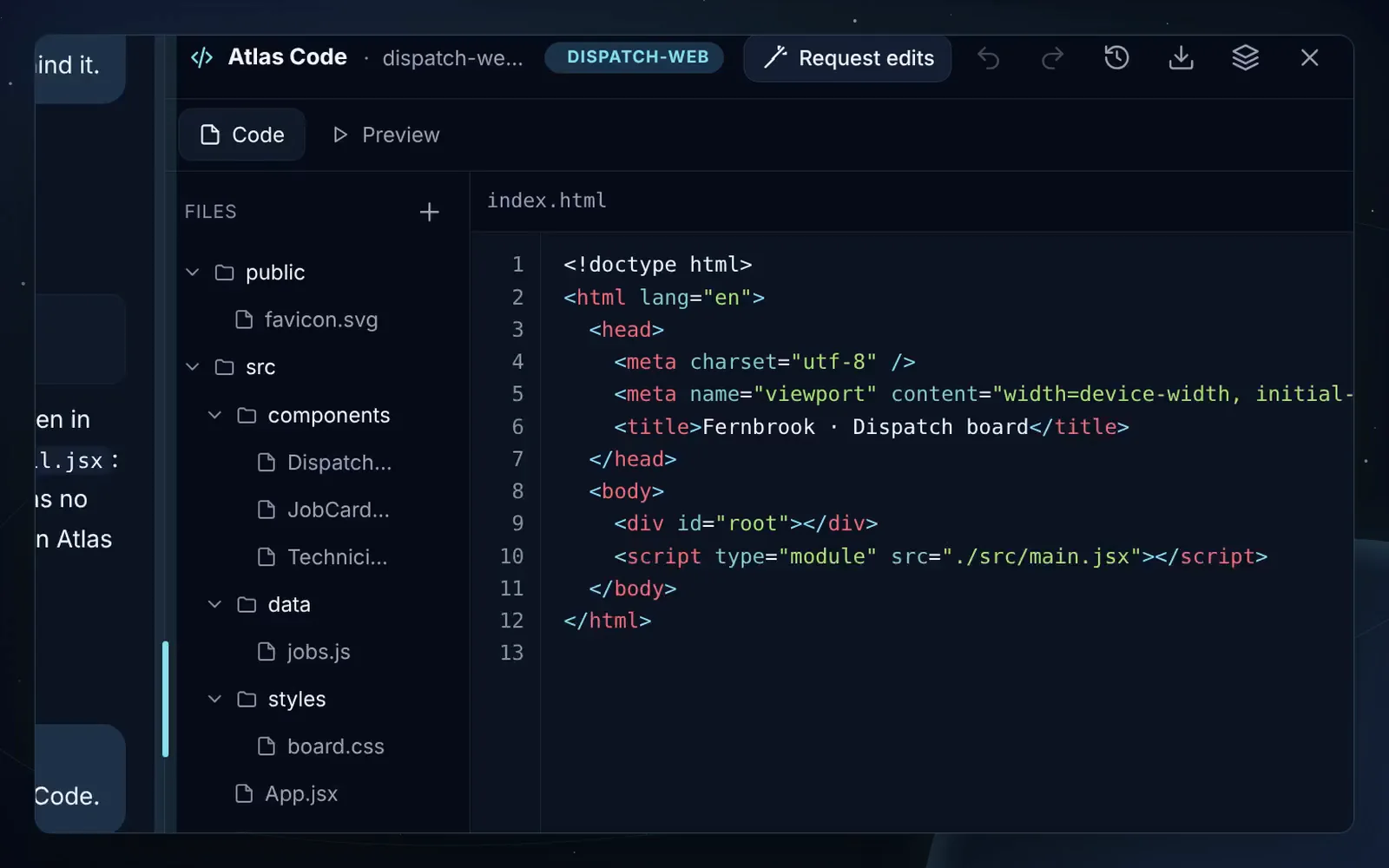
See it run as it’s written.
Plain HTML, CSS and JavaScript run as they are. React, JSX and TypeScript are bundled on the way to the preview, with packages from a pinned CDN. Node and Python projects show their run steps instead.
- Desktop, tablet and phone widths
- A console of what the preview reports, with “Ask Atlas to fix it”
- Live progress while files are written: “Writing styles.css (3 files so far)”
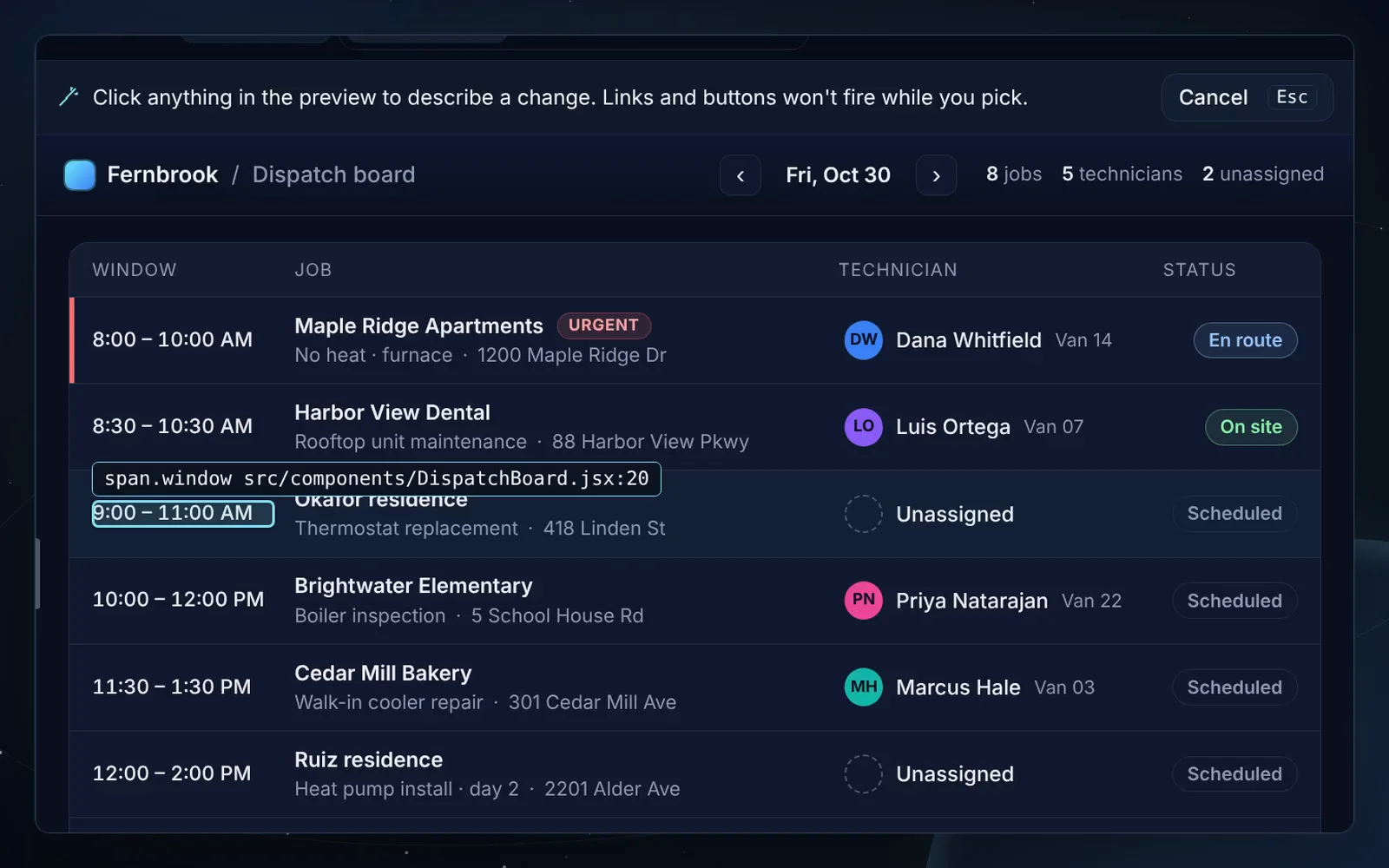
Request edits: point at the page.
Turn the preview into a picker. Hover outlines elements, a click opens a box beside the one you chose, and your words go to Atlas with the element, its text and the file and line that produced it.
- “Make this button blue” lands on the right line, not a guess
- Works for HTML pages and React components alike
- The request stays in the chat as an “Edit: button.cta · index.html:7” chip
From a GitHub issue to a pull request.
Bring a repository in, fix it where it runs, and send the change back. Every write stops at an approval card.
Import the repository
Text files only: no dependency folders, build output, lock files or anything that looks like a key. The project remembers the repository, branch and commit it came from.
Fix it with a plan
A numbered step plan ticks off under the answer while Atlas reads the files it names and writes the change.
Check the preview
The fix shows up in the sandboxed preview before anything leaves the workspace.
Approve the pull request
The card shows the branch, title and body. Approve it and Atlas opens one commit of the changed files and the pull request; the workspace header links to it.
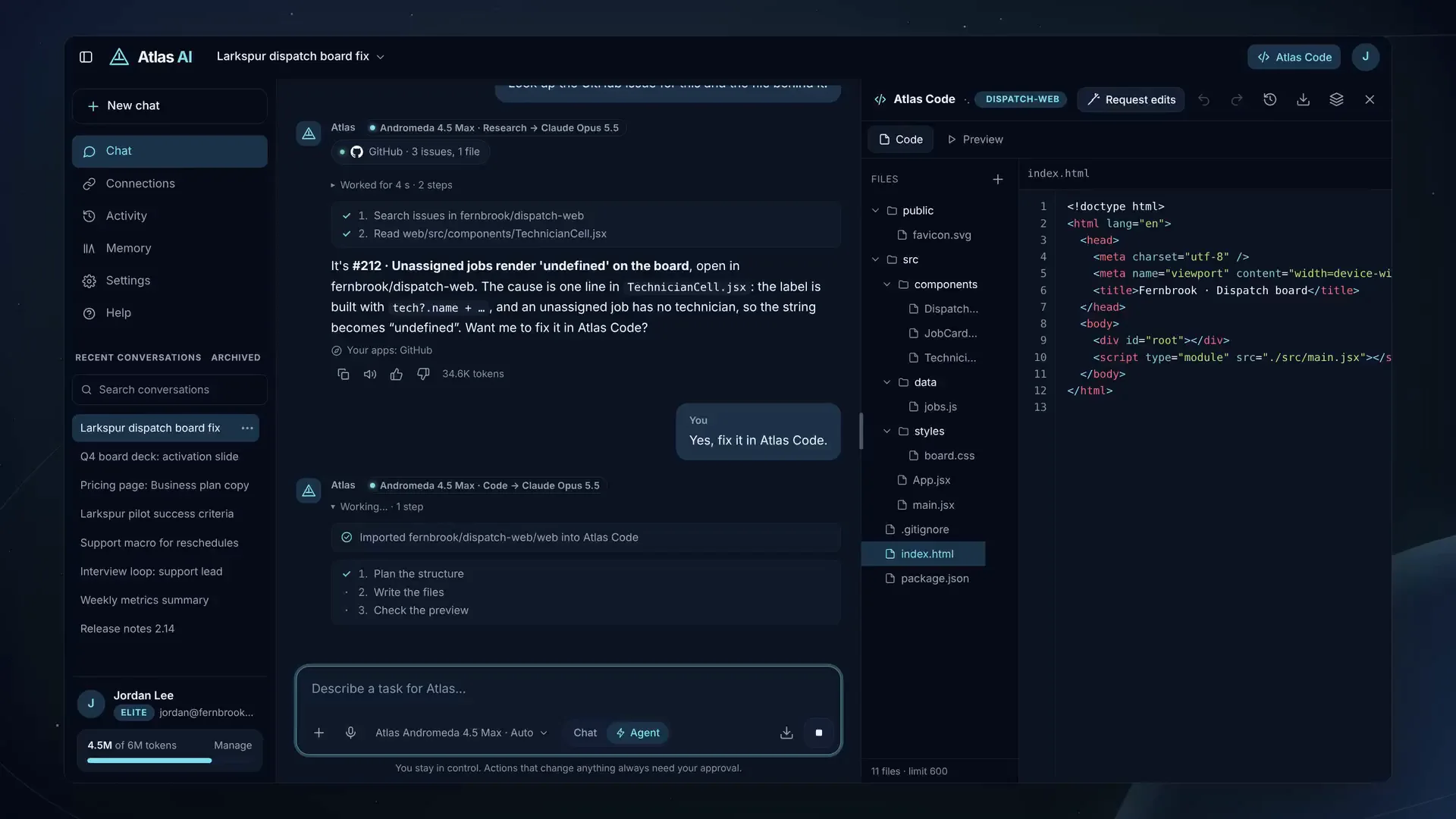
Unassigned jobs show “undefined” because src/components/TechnicianCell.jsx builds the label from a technician that isn’t there: tech?.name + " · " + tech?.van.
-  {tech?.name + " · " + tech?.van}
+  {tech ? tech.name + " · " + tech.van : "Unassigned"}
Changed in the workspace as version 2. Preview checked: the two unassigned jobs on today’s board read “Unassigned”. Pull request #218 opened after your approval.
Every change is one version.
Nothing is lost, and nothing happens behind your back.
Undo, redo, restore
Walk the history in either direction. Restoring an older version makes a new version on a branch, so the newer ones stay.
Your edits, kept
Hand edits become versions too. An edit you save while Atlas is writing is never replaced blind: Atlas reads your version and applies its change on top.
Approval before every write
Pull requests go through the same approval card as every other action in Atlas, and need the GitHub “create” switch to be on.
Download and run
A ZIP named after the project, with a README that says how to run it. Node and Python projects list their run steps in both.
Generated code can never reach your Atlas account.
Projects are the most capable thing Atlas writes, so they run with the least access.
- An opaque origin. The preview frame runs sandboxed without
allow-same-origin: no Atlas cookie, no Atlas storage, no shared state of any kind. - A strict policy. Preview pages carry their own Content-Security-Policy: scripts only from the preview and the pinned CDNs, framed only by the app, no form submissions, no base URL.
- The API refuses it. Every
/apirequest from an opaque-origin page is rejected outright, on top of the usual cross-site checks. - Links that expire. A preview link is a signed capability for one exact version, valid for two hours, not a session.
- Its own hostname in production. Previews are served from a separate origin that answers nothing but previews, so even a browser sandbox bug could not reach the app.
- Never for training. Project code is your own material: it never trains a model, and Atlas Code conversations stay out of any training queue.
Read the repository, too.
Code questions follow Andromeda’s code playbook and go to the engine that leads for code, Claude by default.
Try asking
- Why does checkout redirect to the login page on Safari? Start with fernbrook/web.
- Explain how the auth middleware decides who is signed in.
- Summarize the open pull requests that touch billing.
- /code Import fernbrook/dispatch-web and fix #212.
Reads when your request needs it
- Repositories you have given Atlas access to, and any text file in them
- Issues and pull requests
- Windows app: files in folders you approve, including Word and PDF
Prepares for your approval
- Create a GitHub issue, shown in full first
- Open a pull request from an Atlas Code project
- Windows app: create a file or folder, with the exact change shown first. Atlas never deletes your files
You decide what Atlas can see.
Access is set per repository, through the Atlas GitHub App.
Choose repositories
Install the app only on the repositories you pick. A fine-grained personal access token works too.
Short-lived, encrypted
Sign-in tokens expire after hours, refresh automatically, are stored encrypted and never shown to the model.
Disconnect any time
Disconnecting deletes the stored token and revokes the app’s authorization with GitHub.
Local code, too
In the Windows app, Atlas works in folders you approve. Folder paths stay on your PC.
Atlas Code is on every plan: Free includes 3 projects of up to 40 files (400 KB), Pro 100 projects of up to 300 files (6 MB), Elite 500 projects of up to 600 files (20 MB). The GitHub connection, for import and pull requests, is included with Pro and Elite. The preview runs in the browser only; projects that need a server or a database build for the download. Review AI-generated code before you merge it.

Put Atlas to work.
Atlas AI is in invite-only early access on the web and Windows.