Chat
Think it through.
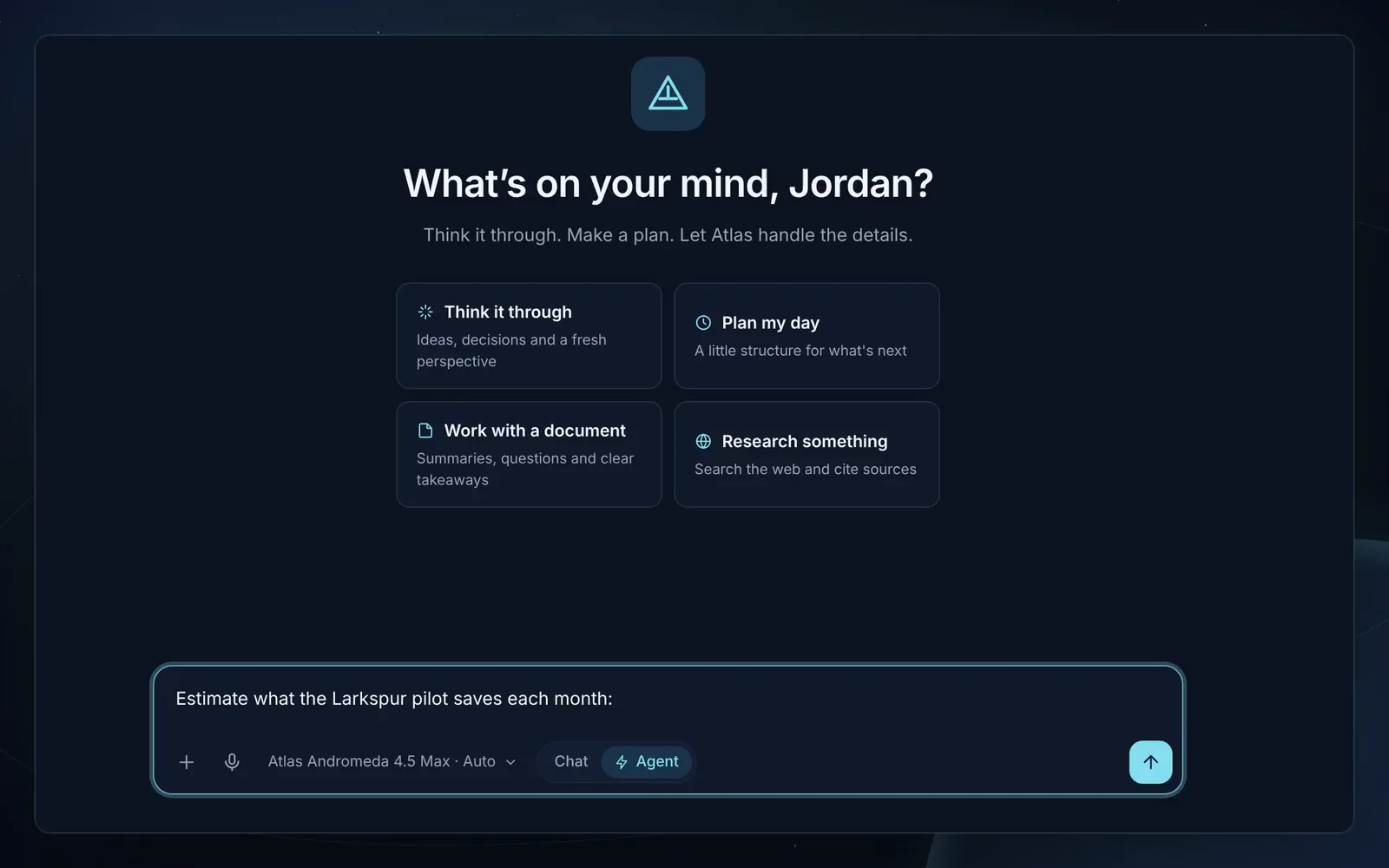
Questions, explanations and drafts. When a question needs current facts, Atlas looks them up and cites where they came from.
- Web lookups with numbered citations
- Attachments: PDFs, Office files, code, CSV
How it works
Atlas plans, reads and drafts in the open. You make every decision that matters.
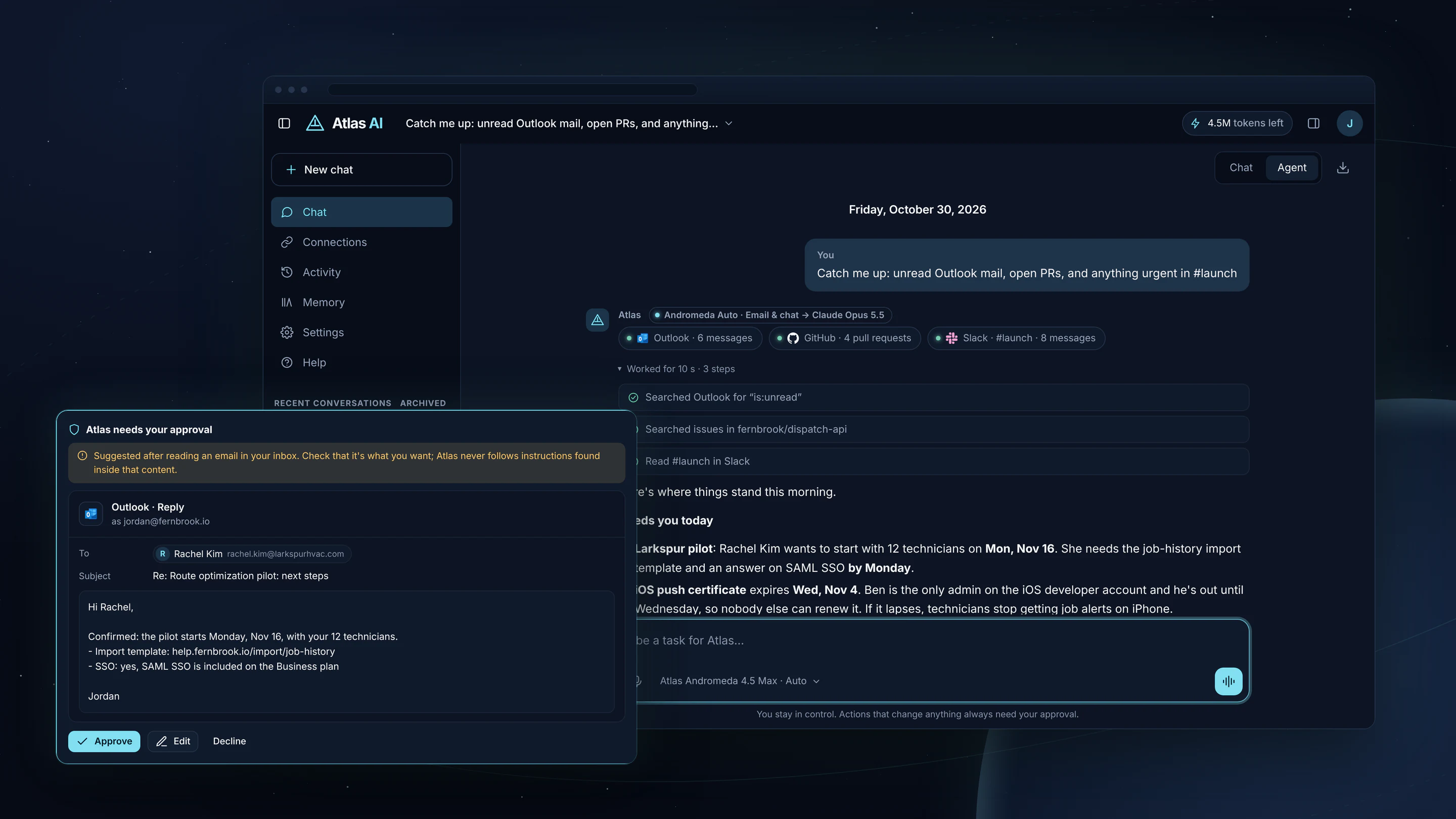
Switch at the top of any conversation.
Think it through.
Questions, explanations and drafts. When a question needs current facts, Atlas looks them up and cites where they came from.
Work through the steps.
Give Atlas a goal. It plans the steps, then uses the tools you switched on: web search and page reading, your connected apps, memory, Atlas Code and, in the Windows app, files in folders you approve.
Every decision about a request has one owner in the code, and is recorded in a trace.
Atlas works out what kind of work this is: code, team work, email and chat, research, writing or everyday questions. It reads the conversation for context, so “how old is he?” and “and their next game?” resolve to who you meant.
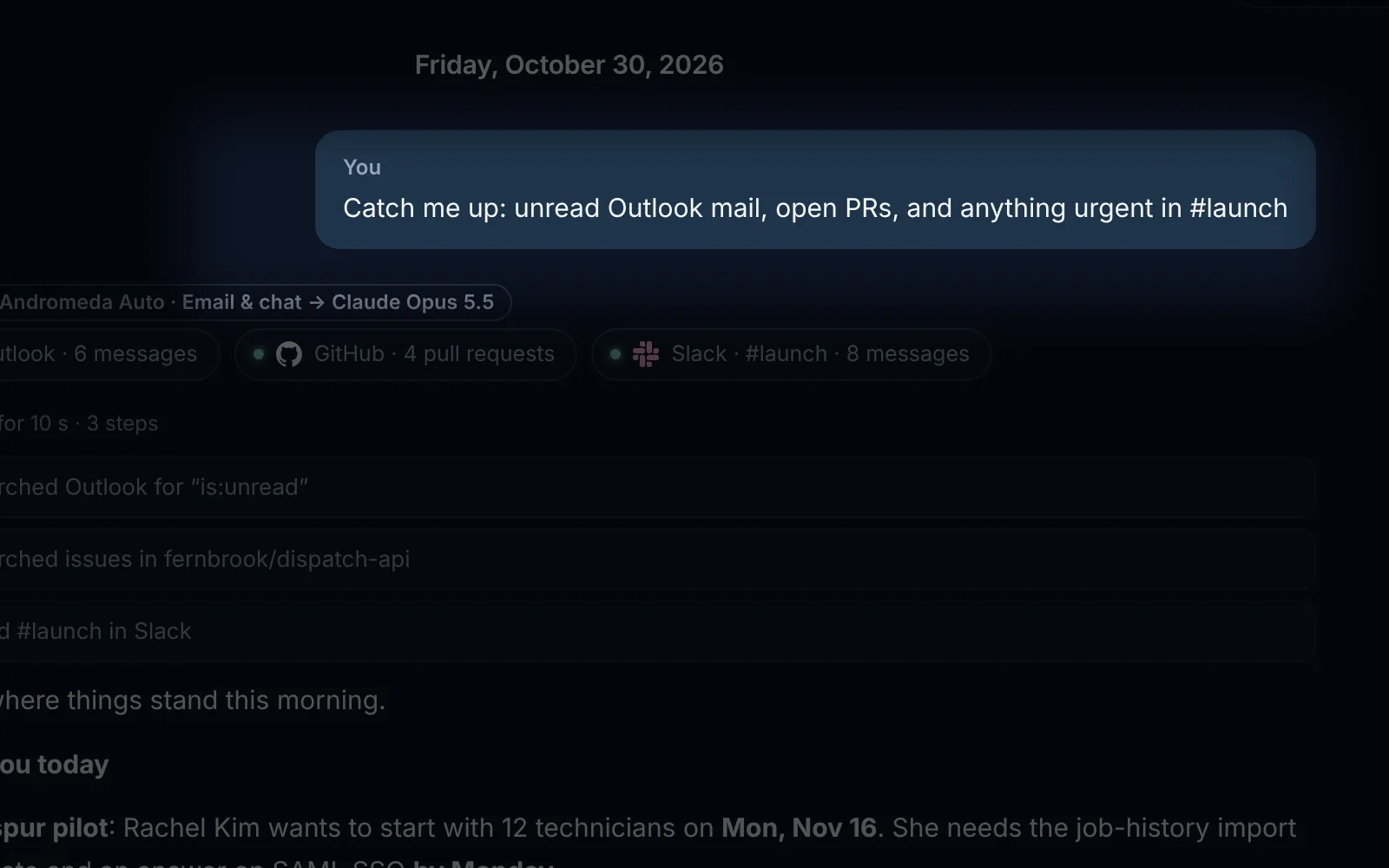
One plan covers the request: the sources to look up, the tools it may use and the rules every engine follows. In Agent mode the plan shows as numbered steps under the answer, ticked off as Atlas works. The plan is kept, so a request that paused for your approval resumes exactly as planned.
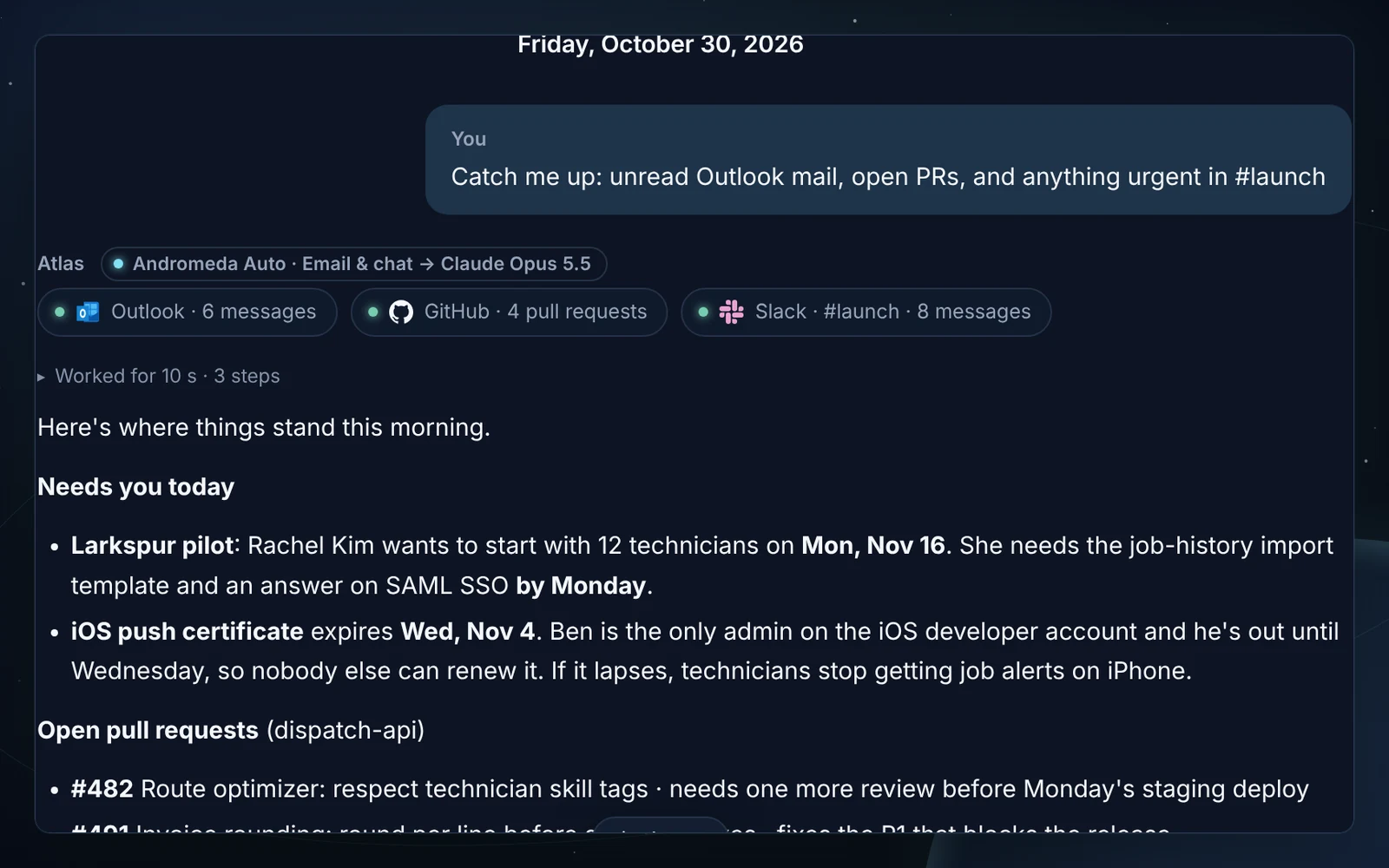
Atlas searches and reads what the plan needs, from the web or your connected apps. Each step appears live, like “GitHub: fernbrook/web, 4 pull requests”, and longer runs show how long they worked.
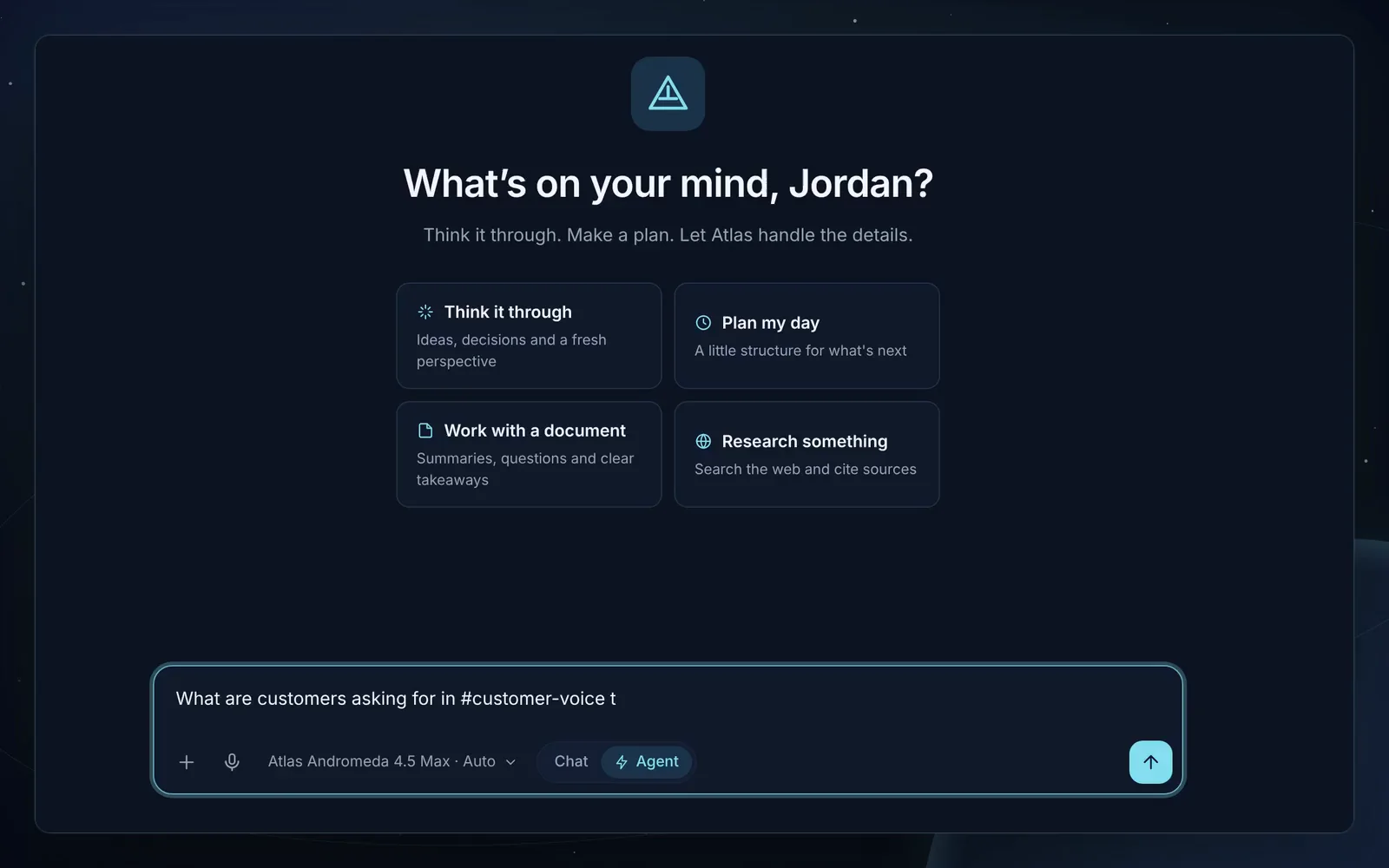
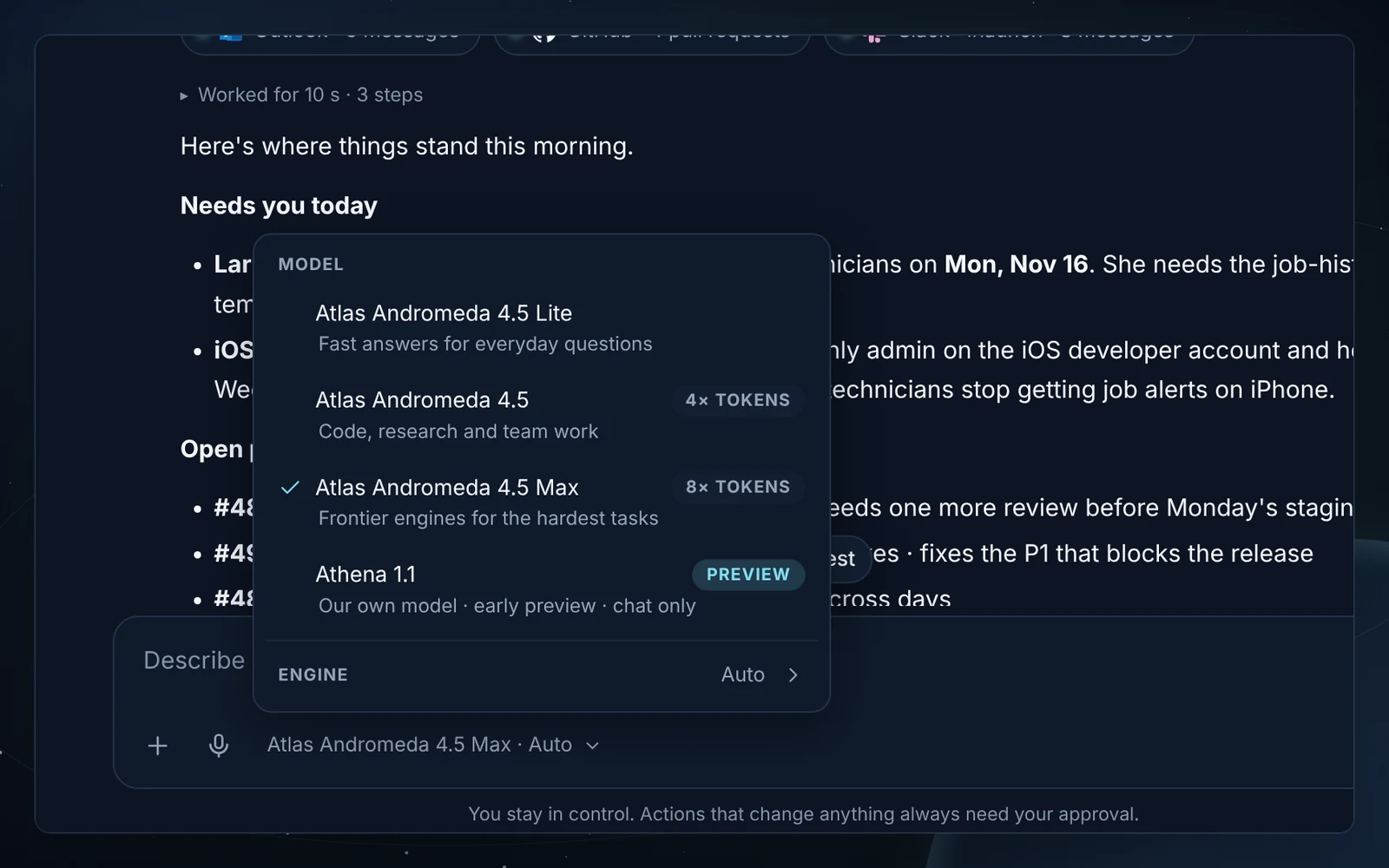
Andromeda sends the request to the engine that leads for that kind of work, switches if an engine fails, and checks answers built on sources before you see them. Citations are numbered inline with a sources list underneath, and each answer is labelled with its tier, route and engine, like “Andromeda 4.5 Max · Code → Claude Opus 5.5”, and the tokens it used.
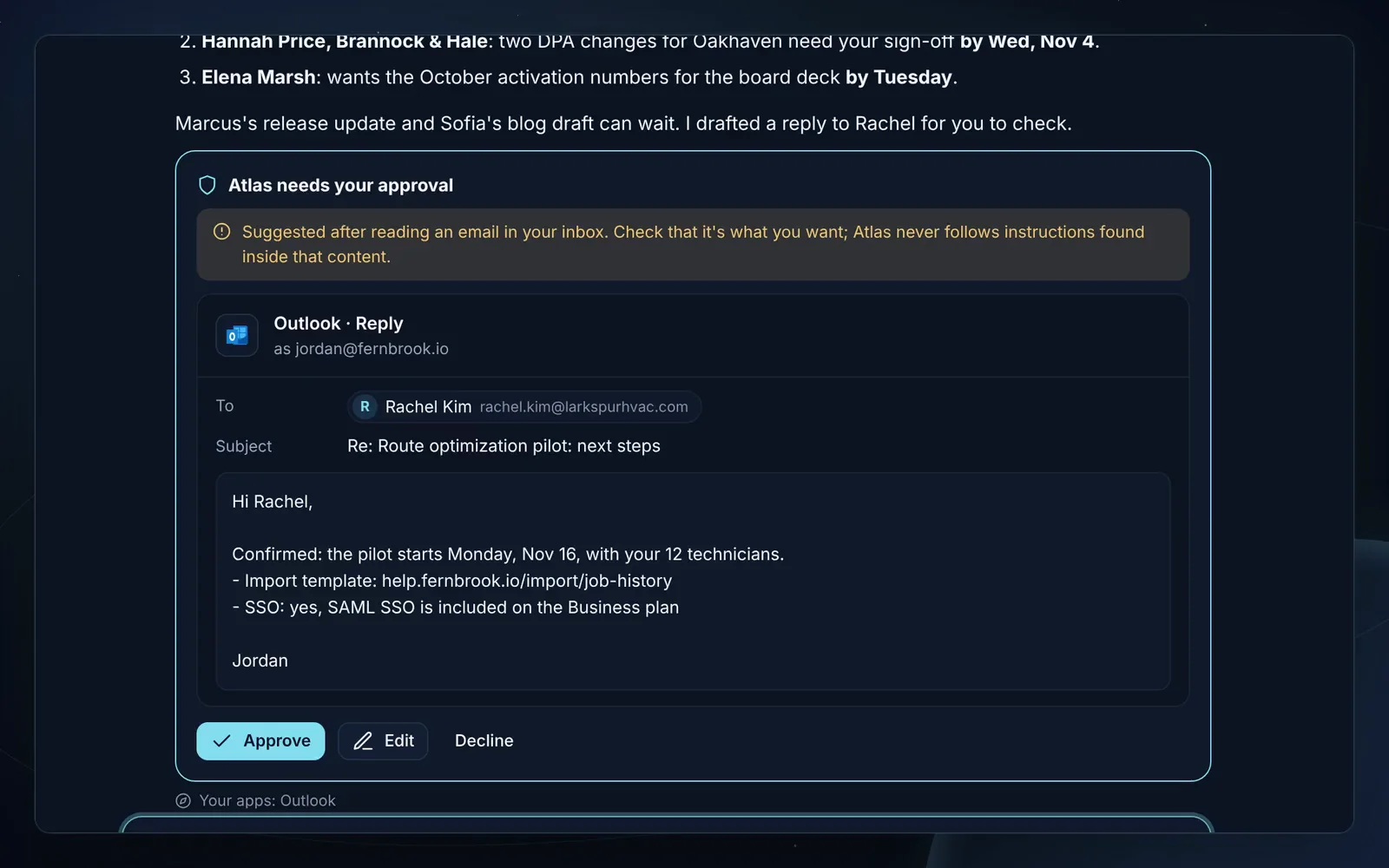
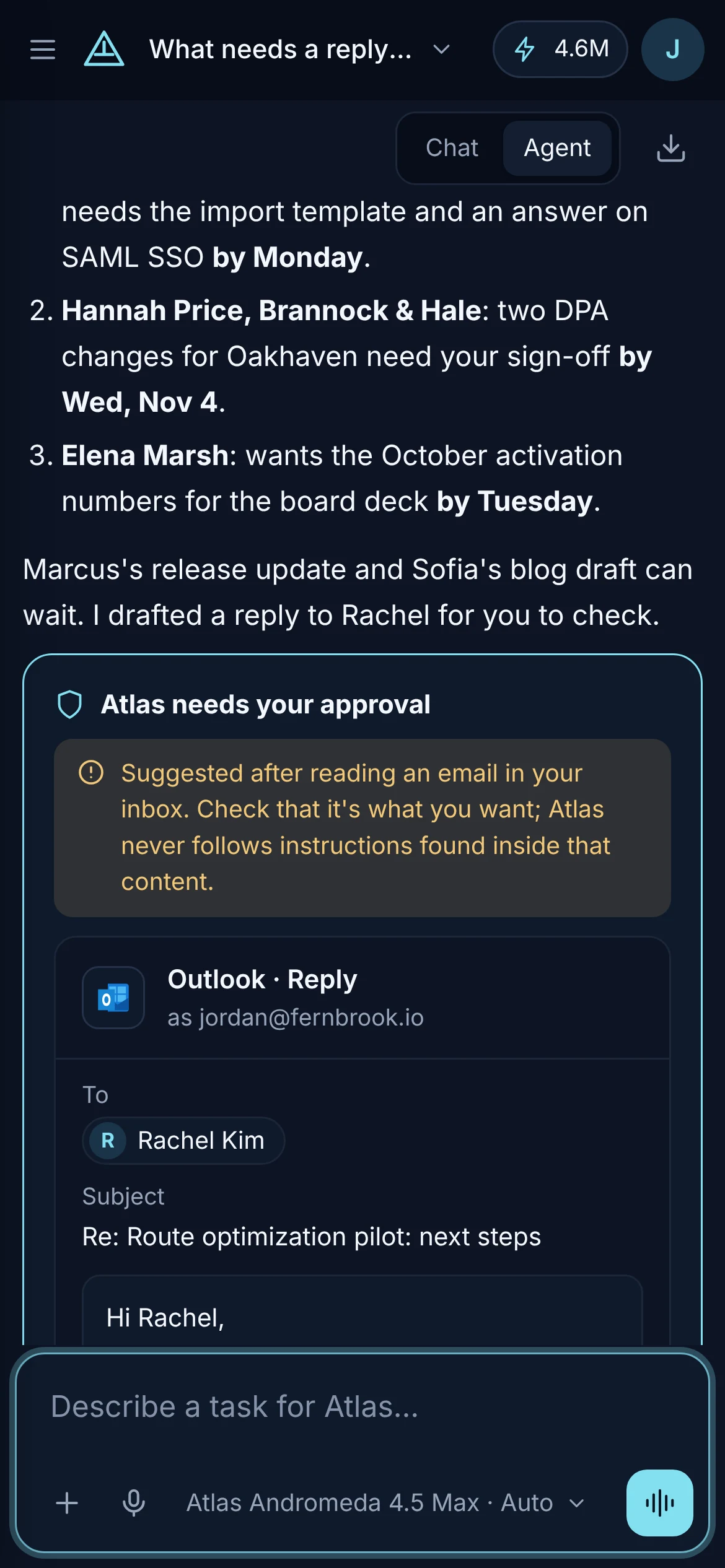
Emails, posts, invites, issues, pages and file changes stop at an approval card with the exact content. Approve it, edit it, or decline it.
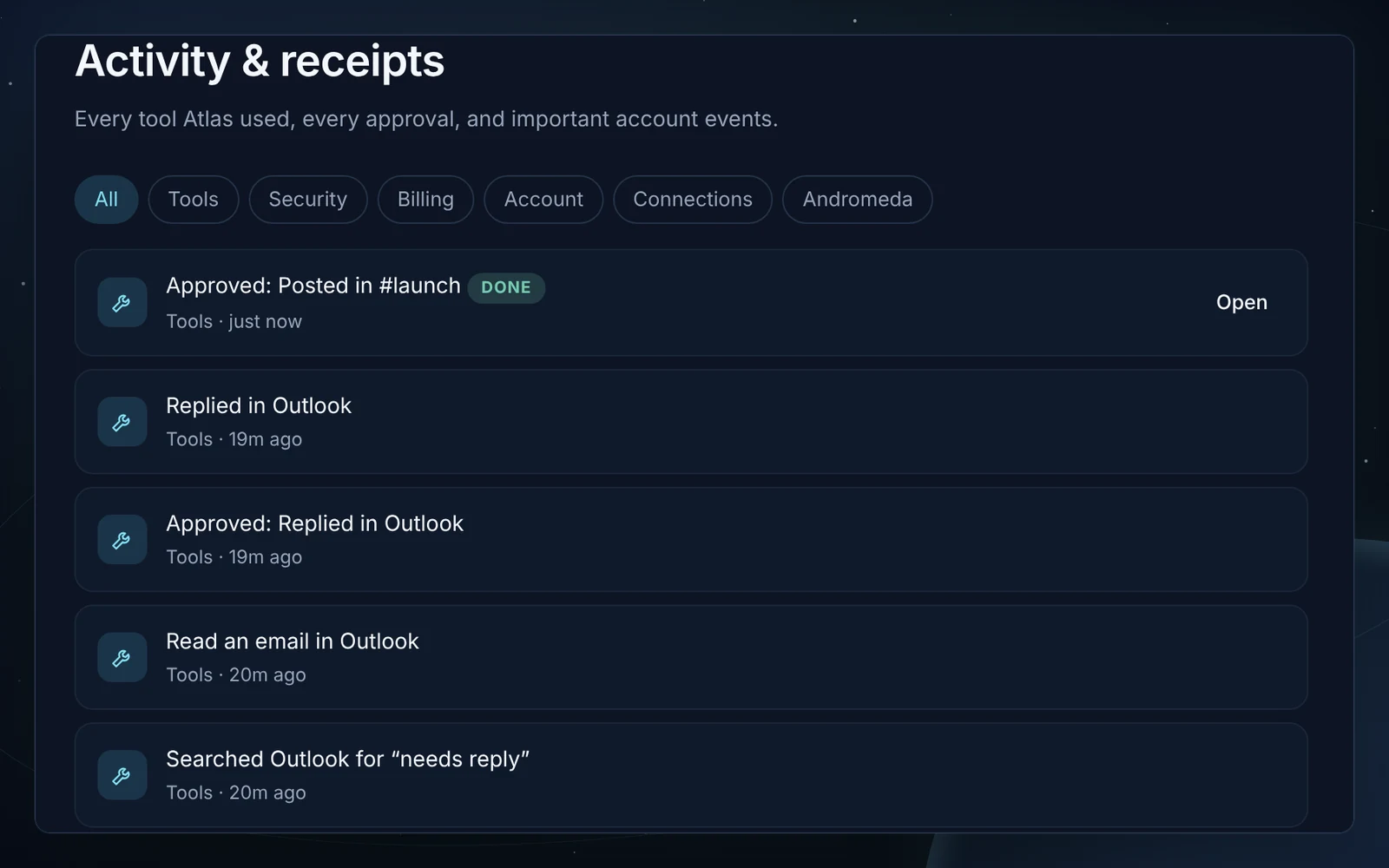
Tool steps, approvals and outcomes are saved with the conversation and in your Activity log.
Pick a scenario, switch the model, open Atlas Code, then decide what happens to the action Atlas prepared.
Think it through. Make a plan. Let Atlas handle the details.
A coding workspace beside the chat: whole projects, a live preview, Request edits, versions and pull requests. Inside Atlas Code
Agent runs show their plan as numbered steps under the answer, ticked off as Atlas works through them.
Answers built from the web cite inline, [1] [2], with a sources list underneath you can open.
/agent, /code, /search, /compare, /skill in the composer; Ctrl/Cmd+K for every action, Ctrl/Cmd+/ for the shortcuts.
“Try again” keeps every earlier answer. Switch between them with ‹ 1/2 › under the latest one.
Every conversation is named by a fast model from its first exchange, so the sidebar reads like a to-do list.
Tools used, approvals given and what happened next.
Atlas proposes facts worth remembering. You approve each one, or turn memory off.
One request on every engine, side by side. Keep the best. Pro and Elite.
A hands-free conversation, with replies read aloud as they arrive.
Tokens on every answer, a daily limit you set, an estimate before large requests.
Share a read-only link. Export your data whenever you like.
Your account, conversations, plan and connections are the same everywhere.

Atlas AI is in invite-only early access on the web and Windows.