
Team & projects

Every channel and ticket, in one answer.

Atlas reads Slack, Linear, Jira and Notion, pulls out decisions, blockers and owners, and drafts the follow-up.

SlackLinearJiraNotion

Blockers become tickets. On your say.

Issues, posts and pages are proposed through an approval card that shows exactly what will be created. Atlas only posts in channels you named.

  • Every work item gets an owner, a status and a date
  • Slack recaps name the channel and the people
  • A summary line on top

Four apps, one workflow.

Each app has its own read and write switches. Write tools only exist when you turn them on.

Slack

Channel recaps and updates

Reads

  • Channels Atlas has been invited to
  • Recent messages, up to 30 days back per request

With your approval

  • Post a message to a channel you named

Atlas never stores Slack messages, not even while a request waits for approval.
Linear

Issues and priorities

Reads

  • Search issues, or list your open assigned issues
  • An issue with its description and recent comments

With your approval

  • Create an issue with team, title, description and priority

Sign-in tokens last 24 hours and refresh automatically.

Jira

Tickets across projects

Reads

  • Search with plain words or JQL
  • An issue with its description and recent comments

With your approval

  • Create a Task, Bug or Story in a project

Uses the Jira site you allow when you sign in.

Notion

Docs and plans

Reads

  • Search the pages and databases you shared
  • A page’s content

With your approval

  • Create a page under a page you shared

You pick exactly which pages Atlas can see.

Catch up in one line.

Ask the way you would ask a teammate.

Try asking

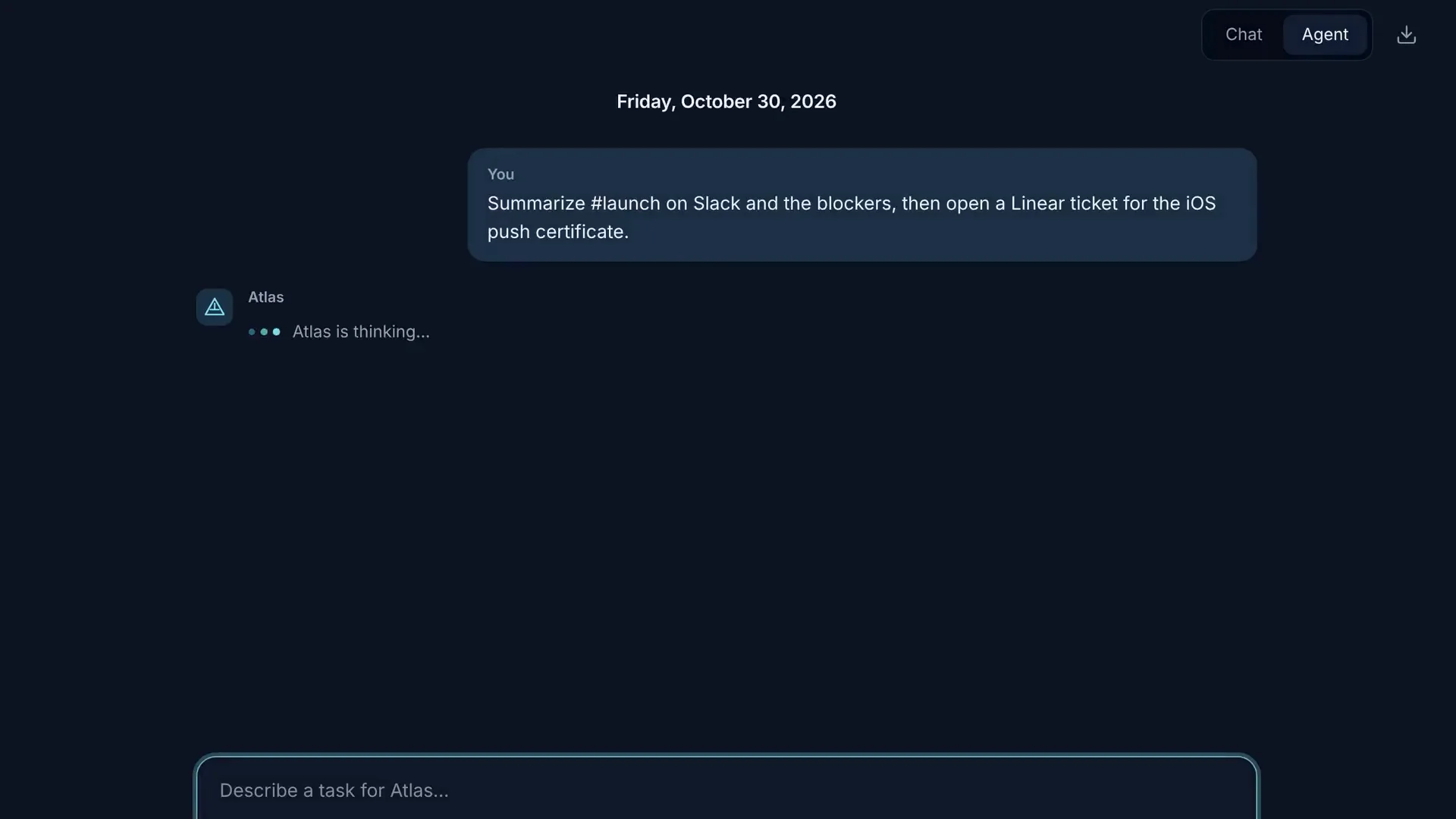
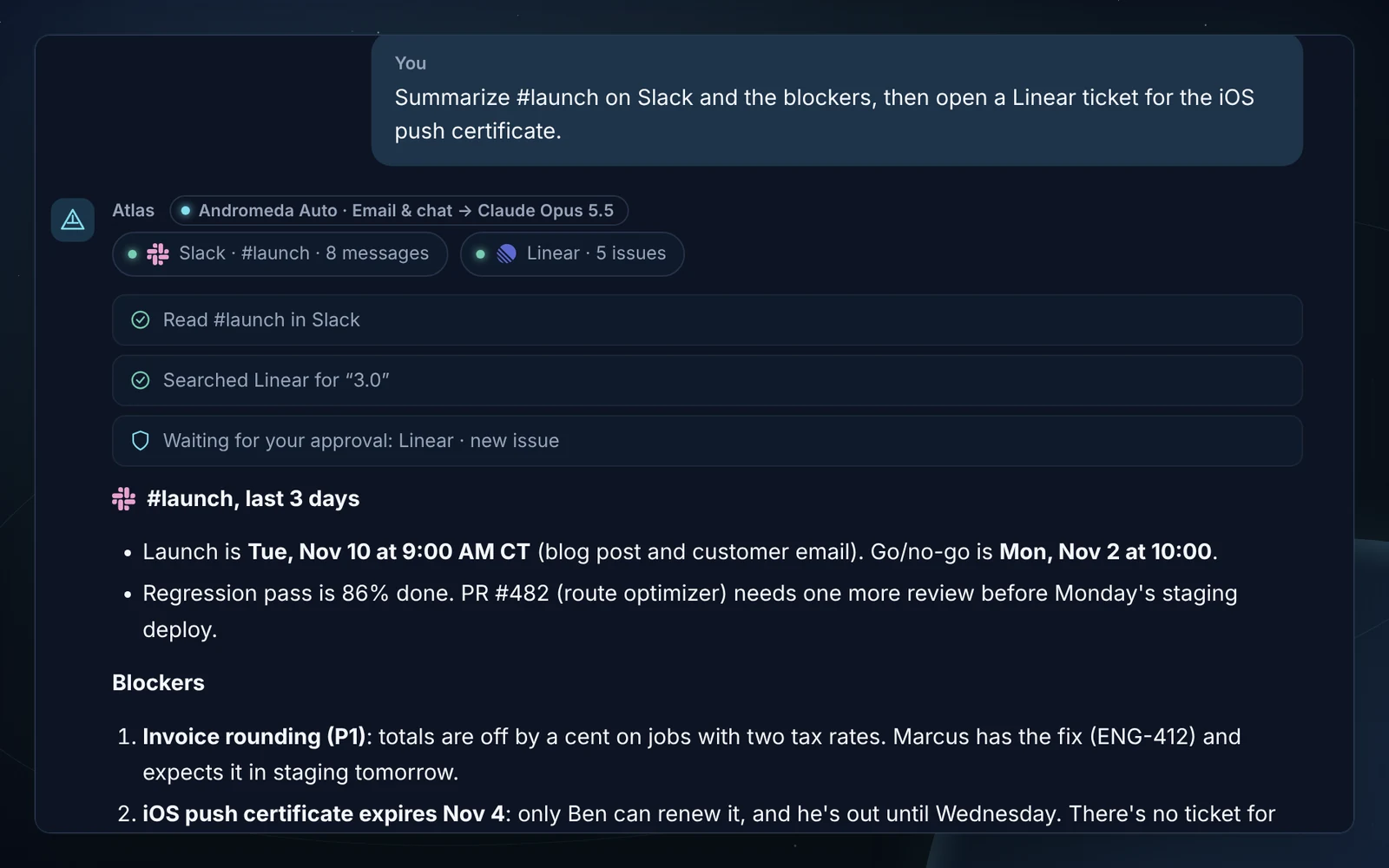
  • What did #launch decide yesterday, and what is still blocked?
  • Turn this thread into Linear issues for the ENG team.
  • List my open Jira issues due this week, by priority.
  • Write the launch checklist into our Notion launch page.
An Atlas recap of the Slack #launch channel and its blockers

Team connections are included with Pro and Elite. Content from your apps is fetched for your request and not stored beyond the answer in your conversation; it is never used to train AI models.

Put Atlas to work.

Atlas AI is in invite-only early access on the web and Windows.